|
iSCSI : Install iSCSI Target
2017/01/20 |
|
Configure Storage Server with iSCSI.
A storage on a network is called iSCSI Target, a Client which connects to iSCSI Target is called iSCSI Initiator.
This example is based on the environment below.
FD3S.srv.world [10.0.0.100] - iSCSI Target RX-7.srv.world [10.0.0.101] - iSCSI initiator
Install iSCSI Target Service first.
|
|
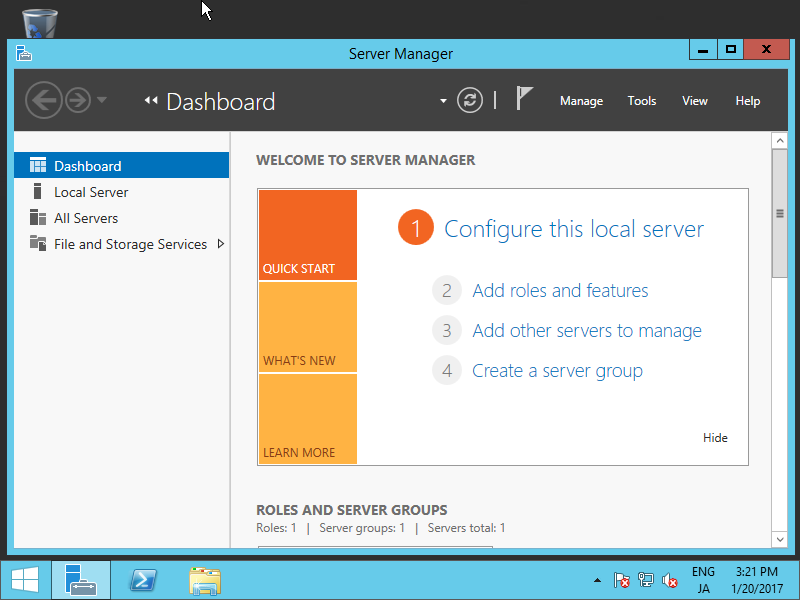
| [1] | Run Server Manager and Click [Add roles and features]. |
|
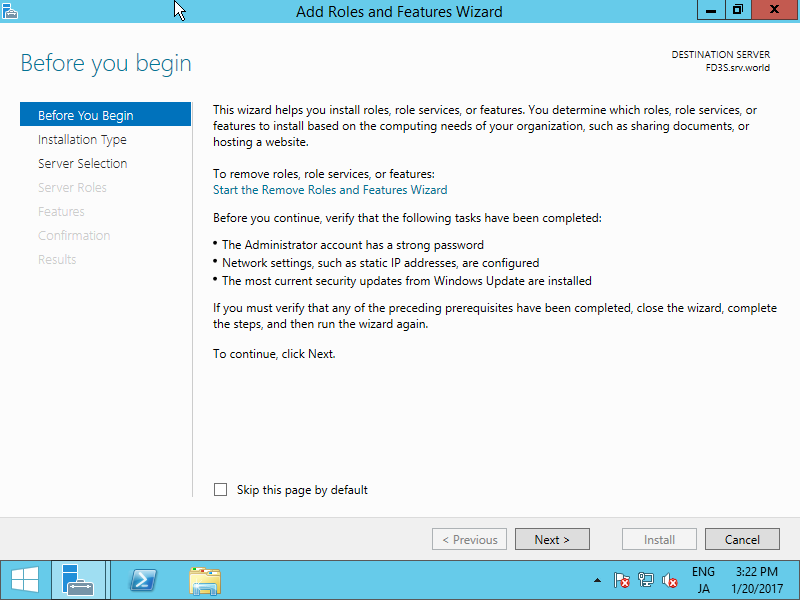
| [2] | Click [Next] button. |
|
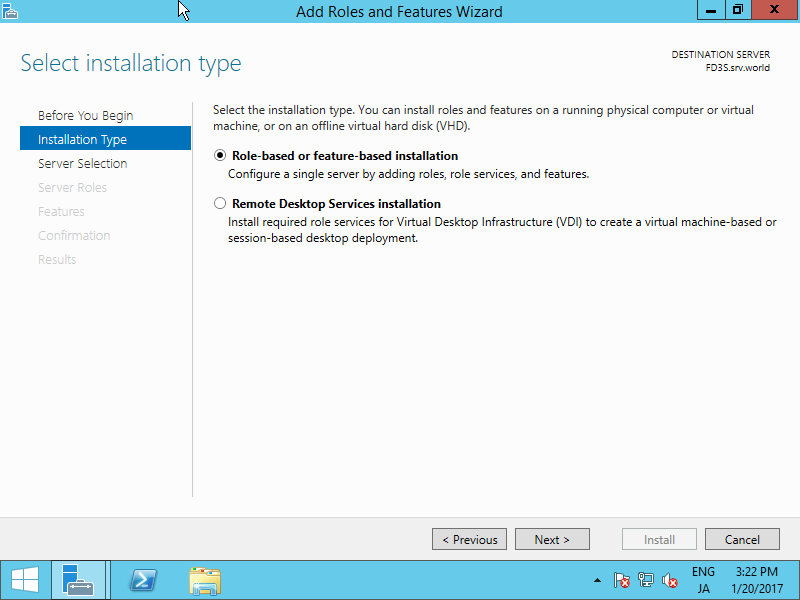
| [3] | Select [Role-based or feature-based installation]. |
|
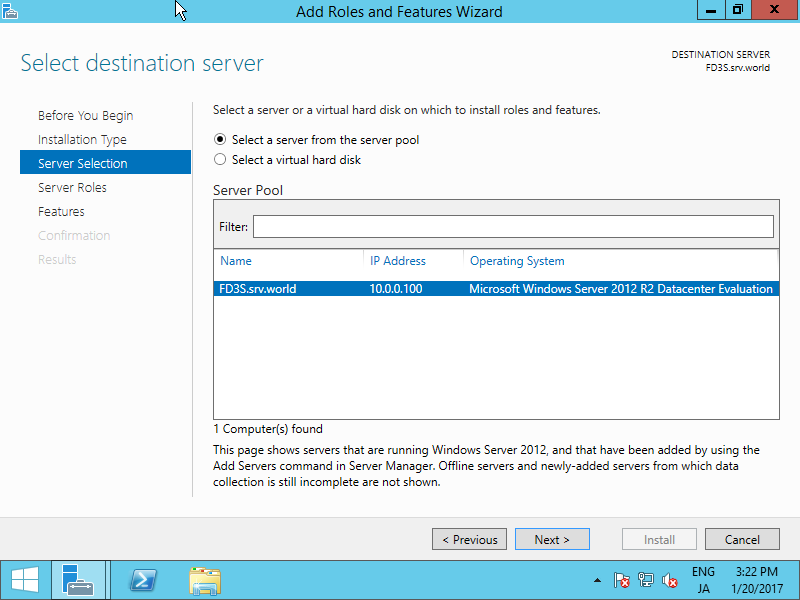
| [4] | Select a Host which you'd like to add services. |
|
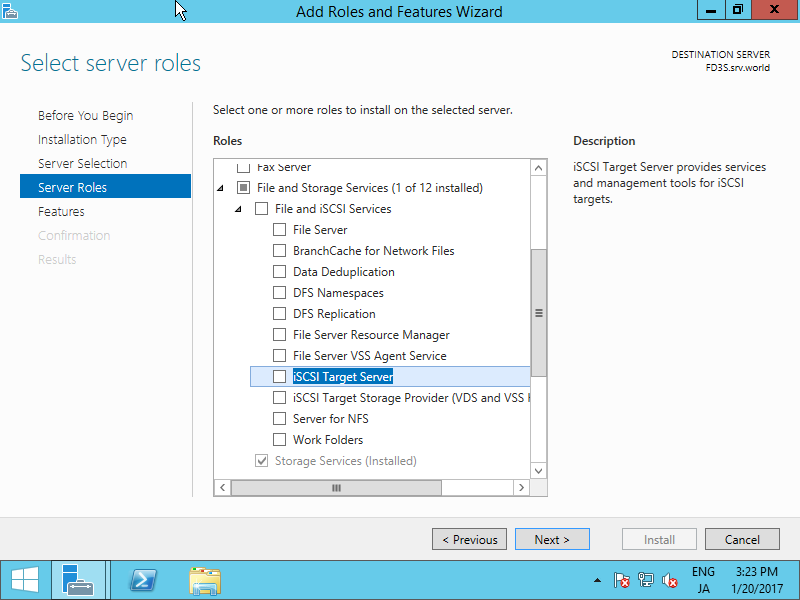
| [5] | Check a box [iSCSI Target Server]. |
|
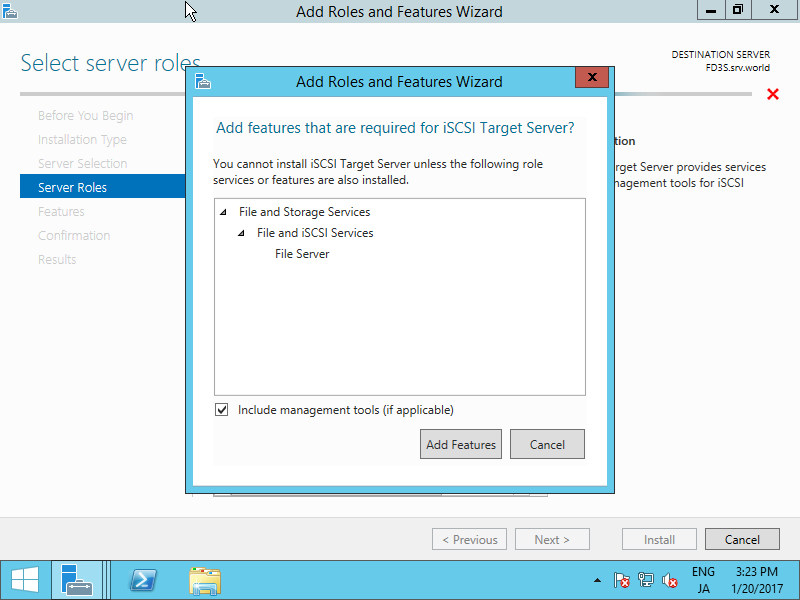
| [6] | Addtional features are required to add iSCSI Target. Click [Add Features] button. |
|
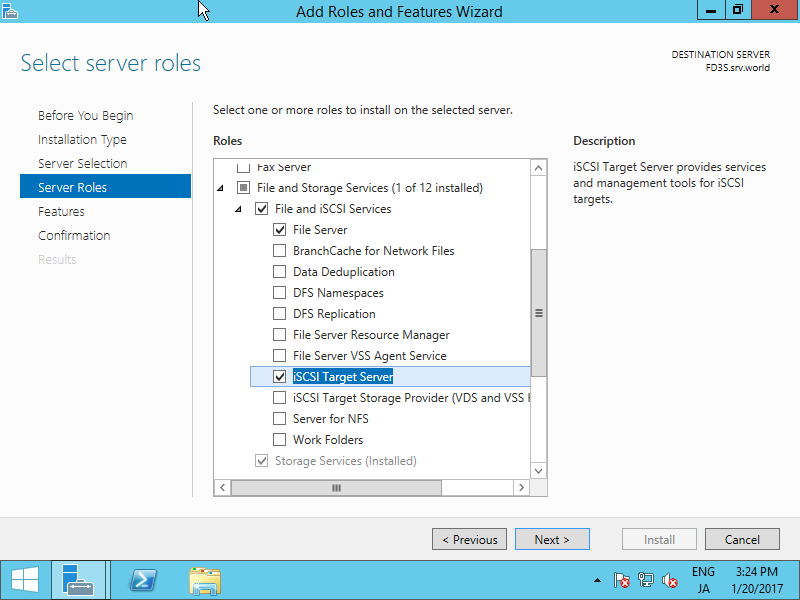
| [7] | Click [Next] button. |
|
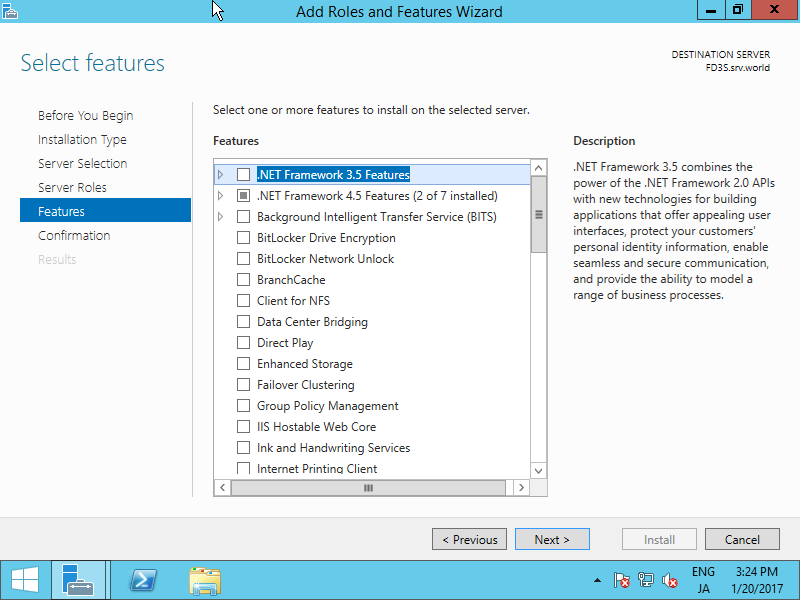
| [8] | Click [Next] button. |
|
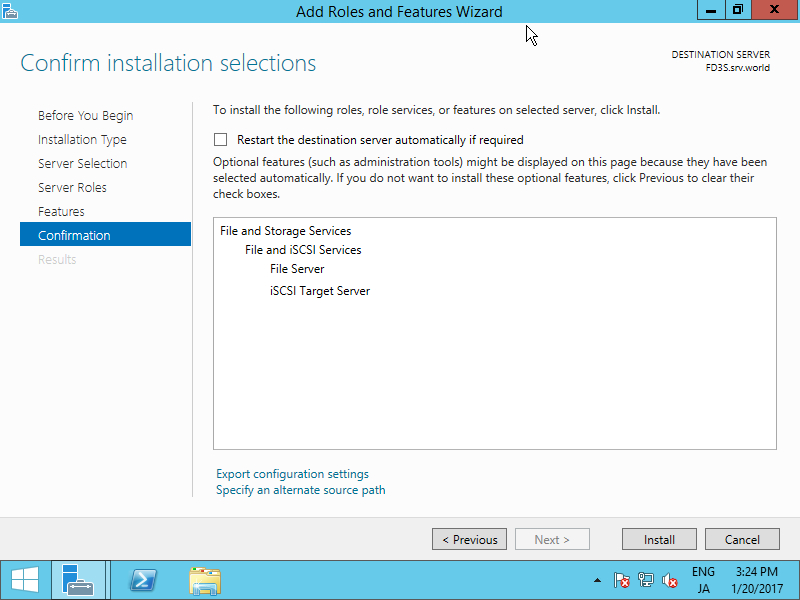
| [9] | Click [Install] button. |
|
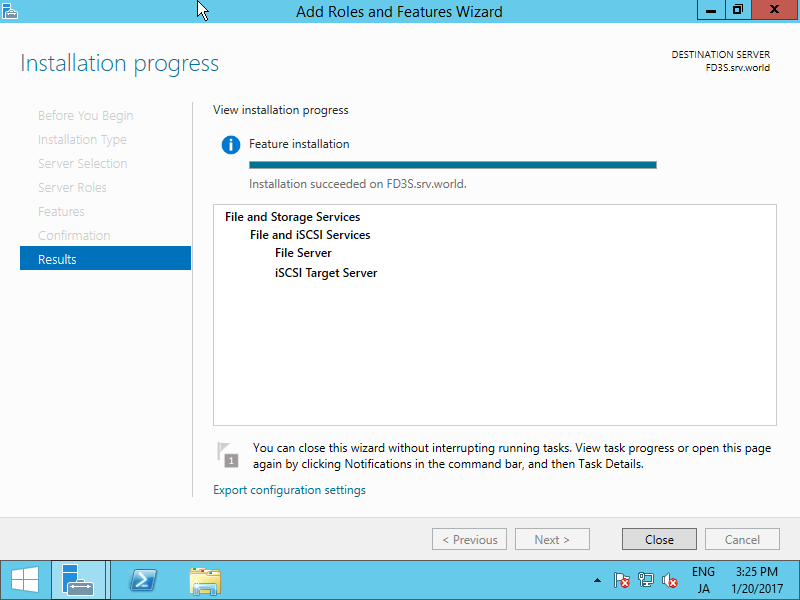
| [10] | After finishing installation, click [Close] button. |
|